Building a Serverless Blogging Platform with AWS and Claude Code
How I replaced Hashnode with a custom-built, full-featured blogging platform in under 10 hours - with an AI pair programmer doing the heavy lifting.
Why I Left My Old Platform
For the past couple of years, I hosted my blog on Hashnode with a Vercel-backed custom domain. It worked. Articles rendered fine, the editor was decent, and I didn't have to think about infrastructure. But over time, the limitations started adding up.
Newsletters were the first frustration. Setting up a mailing list, customizing email templates, and scheduling sends all required workarounds or third-party integrations. Email handling felt like an afterthought bolted onto a developer blogging platform. I wanted to send article roundups, curated link collections, and freeform newsletters - all from the same place I write articles. There wasn't an easy way to make all that work there.
Then there was the visibility problem. I am a cloud solutions architect. I work with AWS infrastructure every day. Yet my own blog was a black box. I couldn't see the CDN configuration, couldn't tune caching behavior, couldn't add custom security headers or WAF rules. The hosting details were hidden behind an abstraction I didn't control.
I also wanted to learn. I had been working with several AWS services professionally but hadn't built a complete, production-facing application for my own use that stitched them all together - CloudFront distributions, Lambda function URLs, DynamoDB single-table design, SES email delivery, Cognito authentication. Building my own platform and managing it over time is the best way to learn these services deeply and have something concrete to write about.
So I decided to build it myself. Not just migrate the content - build the entire platform from scratch. The editor, the publishing pipeline, the newsletter system, the analytics, the infrastructure. All of it. The question was whether I could do it fast enough to make the effort worthwhile.
The final push to actually work on this project came when I read a recent article from Ran Isenberg titled Claude Built My Wix Website in 3 Hours - Is SaaS Dead?, where he went through a similar process and I knew it was time to start myself. I have learned so much from all of his work and am grateful for the motivation here.
What I Built - A Modern, Full-Featured Platform
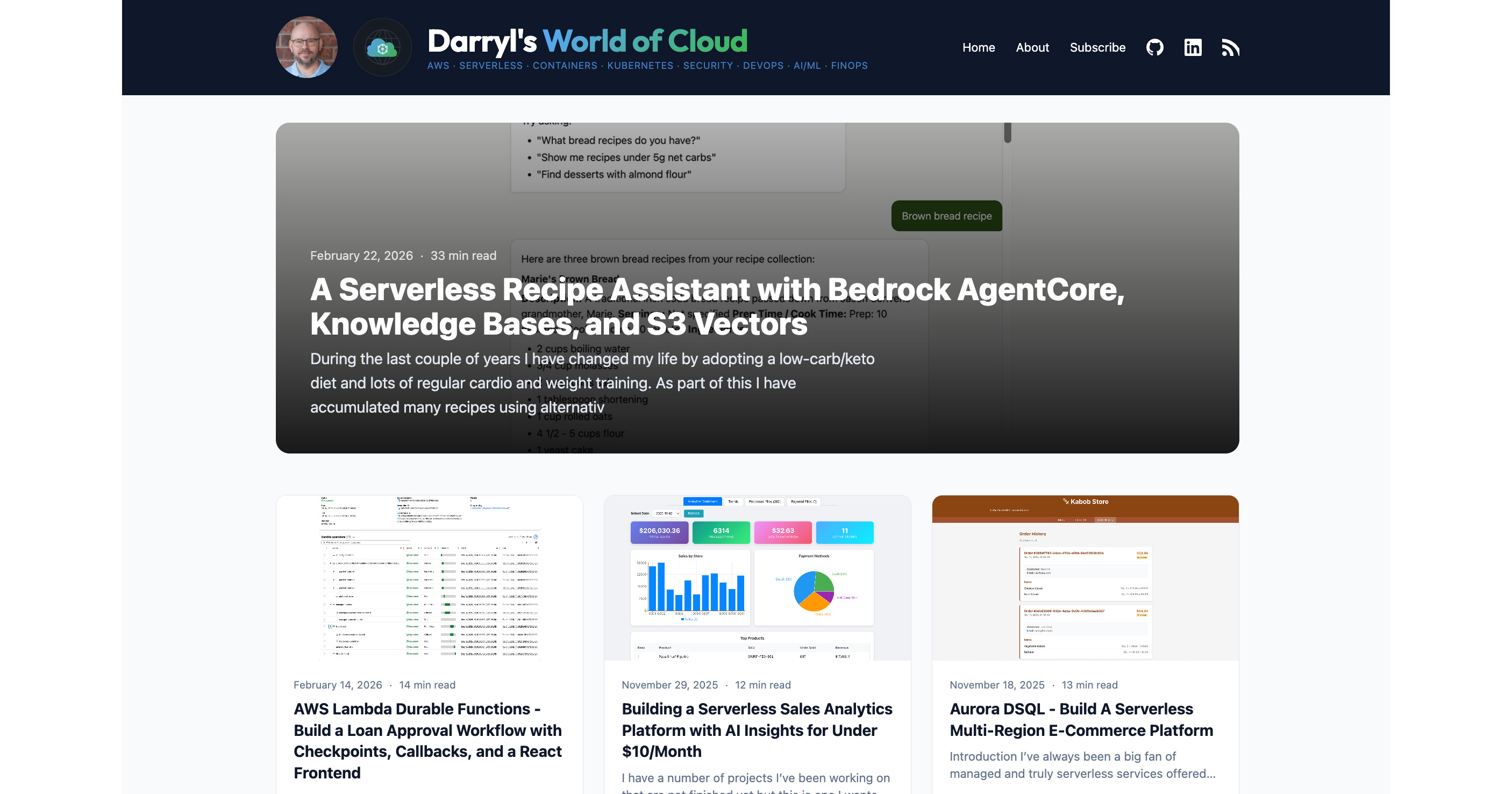
The result is a modern, visually clean blogging platform that loads fast. Every public page is pre-rendered static HTML served from CloudFront edge locations worldwide. No server-side rendering, no client-side hydration, no JavaScript frameworks on the public site - just HTML and CSS delivered from the nearest edge location. Page loads are sub-second globally.
Compared to what I had before, the design is more polished and the performance is noticeably snappier. I went with a clean, card-based homepage layout with a hero section, tag-based navigation, and a reading experience that stays out of your way. The typography, spacing, and code syntax highlighting are all tuned exactly how I want them - because I own every pixel. And if I ever want to change anything it's only a few minutes away from being live.
But the real wins are in the features I could never get working the way I wanted on a hosted platform.
Newsletter Infrastructure Done Right
I haven't sent out any newsletters publicly as of yet but I have done lots of testing and iterating on the format and the infrastructure is now in place. The newsletter system supports three distinct types. Freeform newsletters use the same markdown editor as articles - write whatever you want and send it. Article roundups let you select published articles and automatically generate card-based layouts with excerpts and links. Curated link collections pull in external URLs, auto-fetch their metadata (title, description, image) via OpenGraph tags with Bedrock AI as a fallback, and render them as rich link cards.
All three types support scheduling, email preview before send, and are archived as browsable pages on the public site. Everything runs through Amazon SES - no Mailchimp, no SendGrid, no third-party email service.
Article Preview Before Publishing
Time-limited private URLs let you see exactly how a draft will look on the live site before making it public with the same template, same styles, and same layout as the real articles have. Each preview link expires in a short time, so you can share drafts with reviewers without worrying about stale links lingering.
Comments with Reader Registration
Readers sign up to be able to add article comments. They can verify their email and once approved by me they can comment on posts. The admin side has a full moderation queue - approve, reject, or ban users. No third-party comment widgets are used or injecting tracking scripts into your site.
Email Subscriptions and Notifications
Readers subscribe with double opt-in email verification, manage their preferences, and get notified automatically when new articles are published. One-click unsubscribe in every email. All of it is built on SES and DynamoDB.
Custom Analytics
Built-in page view tracking with zero third-party scripts. I can see referral sources, geographic distribution, device types, and more about who browses articles on the site - with hourly, daily, and monthly granularity. I would have had to pay a lot more per month to see this with Vercel but here it's almost free.
Developer Tooling and Infrastructure
A WYSIWYG markdown editor with source toggle, AI-powered SEO title and description generation via Amazon Bedrock, drag-and-drop image upload to S3 with pre-signed URLs, automated backups with cross-account disaster recovery, and CI/CD with GitHub Actions deploying on every push to main.
The platform runs on 16+ AWS services including CloudFront, Lambda, DynamoDB, S3, SES, Cognito, and more with automated backups and lots of security controls. My favorite Infrastructure as Code (IaC) tool Terraform is used. My monthly cost is in the single dollars due to using serverless/managed services with pay-per-use pricing.
The AI-Assisted Development Experience
I have worked in the AI/ML space for a number of years now. I have seen lots of promising ideas but haven't been completely sold on most of the tools from this space being super useful or becoming real difference makers in my day-to-day life. I have been experimenting with AI-based coding tools for over a year now with lots of hope. I was skeptical and not super impressed with what they could do a year or more ago. I had tried GitHub Copilot back then and found the autocomplete suggestions useful but hardly earth shattering. I experimented with Cursor, Kiro, OpenCode, and a few others. The early outputs were rough - code that looked plausible but missed edge cases, made incorrect API calls, or ignored the architectural context of the project.
But the improvement over the last number of months has been dramatic. I settled on Claude Code with Opus 4.5/4.6 as my primary development tool, and the workflow it enables is genuinely different from anything I have experienced in 25+ years of software development.
The Workflow
The pattern is simple: spend a few minutes describing what you want in English, and within minutes the feature is working. Not hours of scaffolding and boilerplate - minutes. Need a newsletter scheduling system with EventBridge? Describe the requirements, review the generated Terraform and Lambda code, test it, push it. Need a comment moderation queue with Cognito integration? Same thing. Of course there are caveats and things to seriously keep an eye on - more on those below.
The key is that you are not just generating code snippets. Claude Code understands the full project context - the file structure, the existing patterns, the infrastructure configuration, the naming conventions. When I asked it to add newsletter support, it knew where the API routes lived, how the DynamoDB tables were structured, what the Terraform modules looked like, and how the admin SPA was organized. It generated coordinated changes across a dozen files that all fit together coherently.
This is what sets it apart from autocomplete-style tools. The context window spans the entire project. It reads your Terraform state, your Lambda handlers, your React components, and your CLAUDE.md instructions. The result is code that feels like it was written by someone who has been on the project for months, not a tool that just saw a single file.
MCP Servers Extended the Capabilities
One of the features that made Claude Code especially effective for most projects is Model Context Protocol (MCP) servers. These are plugins that give the AI access to specialized tools and documentation right in the development flow. Some of the ones I use a lot are described here.
The Terraform MCP server provides instant access to AWS provider documentation, Checkov security scanning, and module search. Instead of tab-switching to the Terraform docs, Claude Code looks up resource attributes, checks for security misconfigurations, and finds community modules - all inline during development.
The AWS Knowledge MCP server gives inline access to AWS documentation. When I needed to understand CloudFront OAC signing behavior or SES configuration set options, the documentation was available without leaving the editor.
The AWS Serverless MCP server provides Lambda patterns, SAM guidance, and event source mapping configuration. Useful for getting the Lambda function URL streaming configuration right and understanding best practices.
The AWS Diagram MCP server generates architecture diagrams directly from code, producing decent diagrams with little effort. I have to say the diagram server still has room for improvement as there are too many overlapping lines and it tends to generate very vertical diagrams.
The Timeline
Looking at the git history, the build of my new site happened by working on it for a few hours a day over five calendar days:
- Day 1: Core platform from scratch plus Hashnode migration - a couple of hours to get articles rendering, the admin editor working, and all existing content imported
- Day 2: Comments, email subscriptions, CloudWatch monitoring, Slack alerts, CI/CD pipeline, and automated testing
- Day 3: Analytics refinements, backup setup, custom domain setup
- Day 4: Full newsletter system - three newsletter types, scheduling, preview, archive pages
- Day 5: Article preview with random URLs, firewall tuning, polish and bug fixes
The final count: 70 commits, 11+ major features in five days. Total hands-on development time: under 10 hours for a full-featured, production-quality blogging platform. Monthly cost: well under $10 - serverless pay-per-use means you only pay for what you use, and a personal blog's traffic keeps costs negligible.
Honest Assessment - Not Magic, But Powerful
I want to be clear about something: Claude Code makes mistakes. Often. It's not a magic box that produces perfect code on the first try. It's not a tool to hand to your New Grad developer and expect them to produce quality code that's secure and meets the design specs. You still need experienced developers to guide the process and push back when things are going down the wrong path.
It will occasionally hallucinate API parameters that do not exist. It will sometimes choose an architectural pattern that's technically correct but wrong for the specific context. It will miss edge cases that an experienced developer would catch immediately. It will sometimes try to solve a problem by adding complexity when the right answer is to simplify. It will use the wrong versions of tools and many other bad things.
But here is the thing - an experienced developer who knows the services, languages, and patterns can catch these mistakes and push back. The AI responds well to correction. You say "that parameter does not exist on this resource," and it fixes it. You say "this should be async, not synchronous," and it restructures the code. The collaboration works because the human brings judgment and the AI brings speed.
Where Human Judgment Was Critical
Several times during the build, my experience was the difference between a working system and a broken one.
Security architecture decisions required human judgment at every turn. IAM least privilege policies, backup tool hardening, encryption key rotation, SES sending authorization - these are areas where "works on my machine" is not good enough. Each security decision needed careful review against best practices.
Synchronous vs. asynchronous patterns were a recurring design choice. When should code work synchronously vs. asynchronously? When should newsletter sends be immediate vs. scheduled through EventBridge? These are architectural decisions that depend on user experience requirements and operational constraints, not just technical feasibility.
The Review Layer
Code generated by AI must be scrutinized with the same rigor as code written by a junior developer - maybe more. For this project, every pull request went through GitHub Copilot and Amazon Q Developer code reviews in addition to my own review. This layered approach caught issues that any single reviewer might miss.
For anything production-facing, especially with security implications, there's no substitute for thorough review, penetration testing, and proper validation. AI-assisted development is fast, but speed without scrutiny is a liability.
Key Takeaways
- AI-assisted development is real and practical today. Not for every task, and not without supervision, but the productivity gains are substantial for developers who know their domain.
- MCP servers are a force multiplier. Having documentation, security scanning, and infrastructure tools available inline eliminates context switching and keeps you in flow.
- Serverless is ideal for personal projects. Pay-per-use pricing means your blog costs pennies when nobody is reading it and scales automatically when a post hits the front page.
- The human in the loop matters more than the AI. Domain expertise, security awareness, and architectural judgment are what turn AI-generated code into production-quality software.
- Build things you will actually use. The best way to learn anything is to build something real that you will maintain and improve over time.
Closing Thoughts
I was lucky enough to be at AWS re:Invent 2025 in Las Vegas and spoke with many people on the topic of AI technology and the impact on our industry. There is a lot to be concerned about but there is so much promise. I was in the room for the final keynote from Werner Vogels and was truly inspired by his talk about the The Dawn of the Renaissance Developer.
I haven't had near this much fun coding in years. There is something deeply satisfying about describing a feature in plain English, watching it materialize in code, reviewing and refining it, and then seeing it live on your own infrastructure minutes later. The feedback loop is extraordinarily tight.
My backlog of features to build grows faster than I can ship them. Dark mode, reading time estimates, related articles, full-text search, RSS improvements, an about page redesign - the list keeps growing. Every time I use the platform to write a post, I notice something I want to improve. That's a good sign. It means the platform is useful enough to invest in, and I care enough about it to keep iterating.
If you have been putting off a side project because you thought it would take too long, the barrier has never been lower. A working prototype of almost anything is now a weekend away. The tools are that good - if you bring the expertise to guide them.
This platform is live and serving the very post you are reading right now. If something looks off, that's on me - and probably on my backlog already.
IMPORTANT: Remember to always validate security practices for anything public-facing - especially anything for production use. AI-assisted development makes it easy to move fast, and moving fast without security review is how breaches happen. Take the time to review IAM policies, test authentication flows, scan for vulnerabilities, and audit your infrastructure. The speed gains from AI should buy you more time for security - not less.
Connect with me on X, Bluesky, LinkedIn, Medium, Dev.to, GitHub, or the AWS Community. Check out more of my projects at darryl-ruggles.cloud and join the Believe In Serverless community.
Comments
Loading comments...